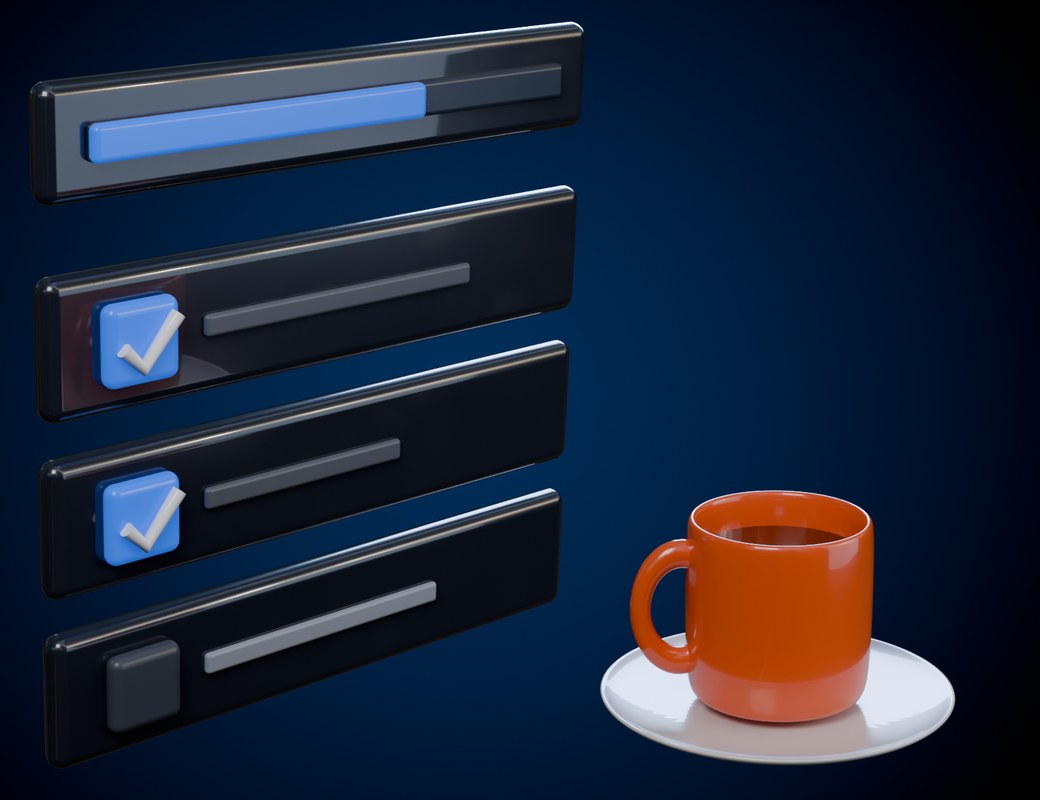
Your task list, right inside Blender.
Add tasks, tick them off, pin, tag and search, all from the sidebar. No sticky notes, no second screen.
todo-early80Click to copy
This is the real panel, rebuilt to run in your browser. Nothing here is a screenshot — type, tick, pin, tag and search, exactly as you would in Blender.
Three lucky people win To Do List for free. It takes a minute to enter.
In the 3D Viewport sidebar. Press N and open the Tasks tab.
Yes. With Permanent Save on (the default), tasks are stored in Blender's preferences and show up in every project. Keep "Auto-Save Preferences" on (Blender's default) or click Save Preferences once.
Yes. Turn Permanent Save off in the Settings sub-panel. Tasks are then saved inside the current .blend file, and a new project starts with an empty list.
Click the wrench in the panel header. Every task gets Rename and Tag fields, plus a remove button. Click the wrench again to hide them.
Turn on "Show More Addon Info" in Settings. A "?" button appears next to each part of the panel and explains what it does.
Blender 4.2 and newer. We tested it on 4.2 and 5.2 LTS.
Send us a message on Superhive or ask in our Discord. Your purchase includes updates.
Only a handful of codes, and we're not saying how many. When they're gone: 25% off all launch week with todo-launch25 ($2.25).


Get 25% of every sale your link brings in. Every 20 sales adds another +5%, all the way up to 50%. We also share ready-made promos for big launches and early looks at new add-ons.